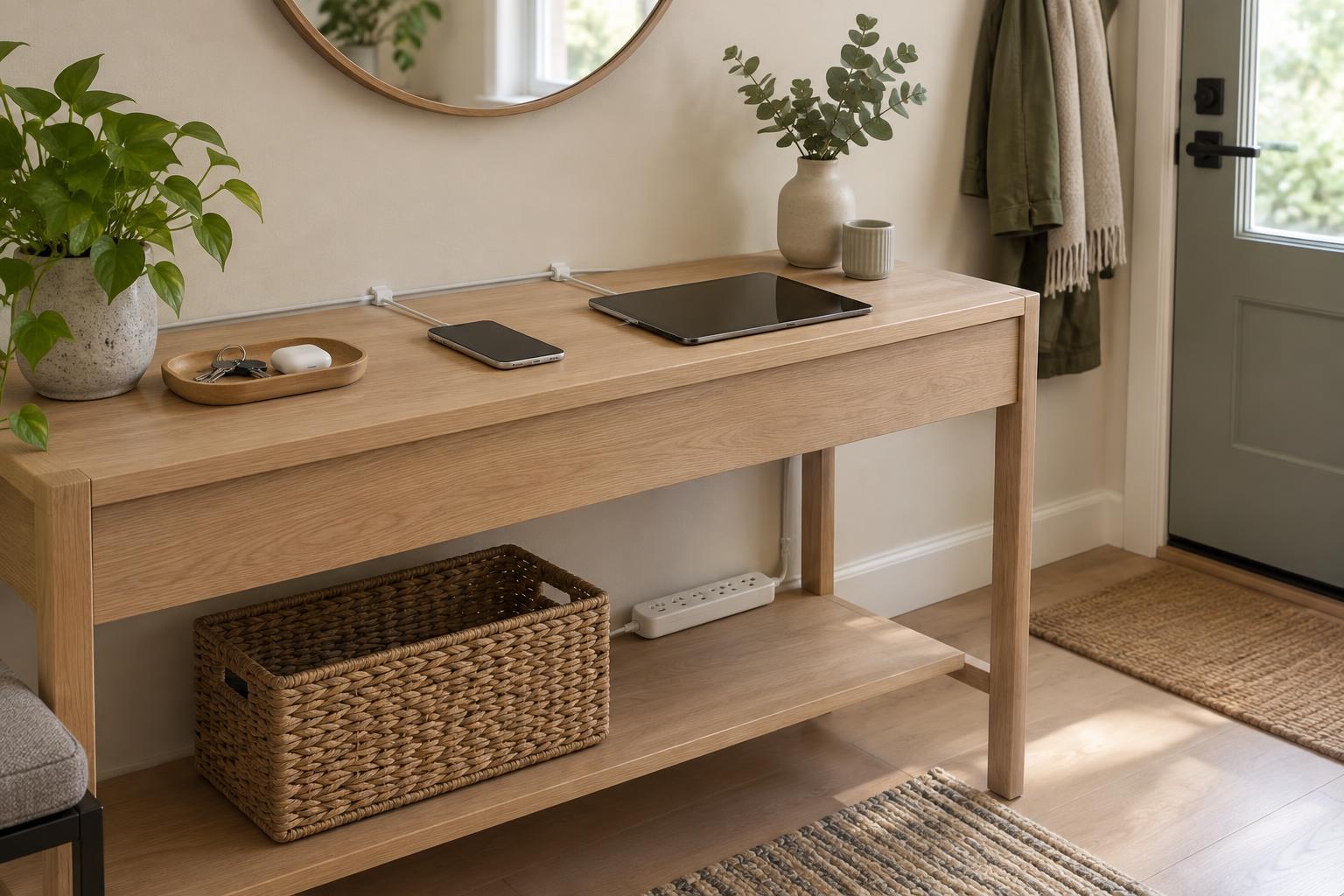
Start with the devices, not the accessories
Before buying a charging dock or cable organizer, gather the devices that regularly need power. Phones may be the obvious ones, but headphones, tablets, reading lights, watches, and portable speakers can quietly multiply. Notice where each device tends to land when someone comes home and where it is needed next. A charging spot works best when it follows those habits rather than asking everyone to adopt an entirely new routine.
Decide whether one shared station or a few smaller spots would be easier to use. A household that charges everything overnight may appreciate one designated surface. If devices are used in different rooms, a single station could create unnecessary trips or a pile of equipment in a busy area. The aim is not to hide every cable. It is to give frequently used items a predictable place without making them harder to reach.
Choose a location that supports daily movement
Look for an existing surface near an outlet, such as a sideboard, desk, or bedside table. It should have enough room for devices to rest without balancing on top of one another. Consider what happens around it: will someone brush past the cords, need the surface for meals, or reach across it to switch on a lamp? A slightly less visible spot may be more useful than a beautifully styled one that interrupts another task.
Think about how the location affects attention as well as convenience. A phone charging beside the bed is easy to reach, but some people prefer to keep notifications away from their sleeping area. A station near the entrance can help keep a desk clear, provided it does not crowd the space needed for bags and shoes. Choose based on your household’s routines rather than on a rule about where devices belong.
Give cables a clear path
Once the location is settled, arrange the chargers before adding storage. Keep each cable long enough to connect comfortably, but avoid leaving excess length across a walking path. Reusable cable ties can gather slack, while a simple clip may keep a connector from slipping behind furniture. If several people use the same area, small labels can make it easier to return each cable to its place.
Keep the setup easy to inspect and clean. Chargers and devices should not be buried under papers or tucked into a tightly enclosed container where warmth may build up. Follow the instructions supplied with your devices and charging equipment, and replace damaged cables rather than trying to conceal them. If a location depends on cords stretched across the room, reconsider the location instead of making the cords a permanent obstacle.
Make room for people and changing routines
A shared station benefits from a little separation. A shallow tray or individual sections on a shelf can show where each device goes without adding much visual clutter. Leave space to pick up a phone without moving someone else’s tablet. If children or guests use the area, keep instructions simple: an obvious place to set a device is often more effective than a complicated system of assigned slots.
Avoid building the whole arrangement around the devices you own today. Chargers and daily habits may change, so movable organizers are often more adaptable than a fixed insert made for one set of products. Revisit the spot after living with it for a while. If devices keep collecting elsewhere, ask whether the station is too far away, too crowded, or inconvenient at the time people need it.
A practical charging spot does not need to look like a display. It needs a usable surface, accessible connections, and a place for cables that does not interfere with the room. When those basics are in place, even a small corner can help devices feel like part of an orderly home rather than a source of constant clutter.